Deployments
How to deploy a Laravel site on a cloud server
A practical agency workflow for moving a Laravel application from repository to an HTTPS-ready cloud server.
Why this workflow works
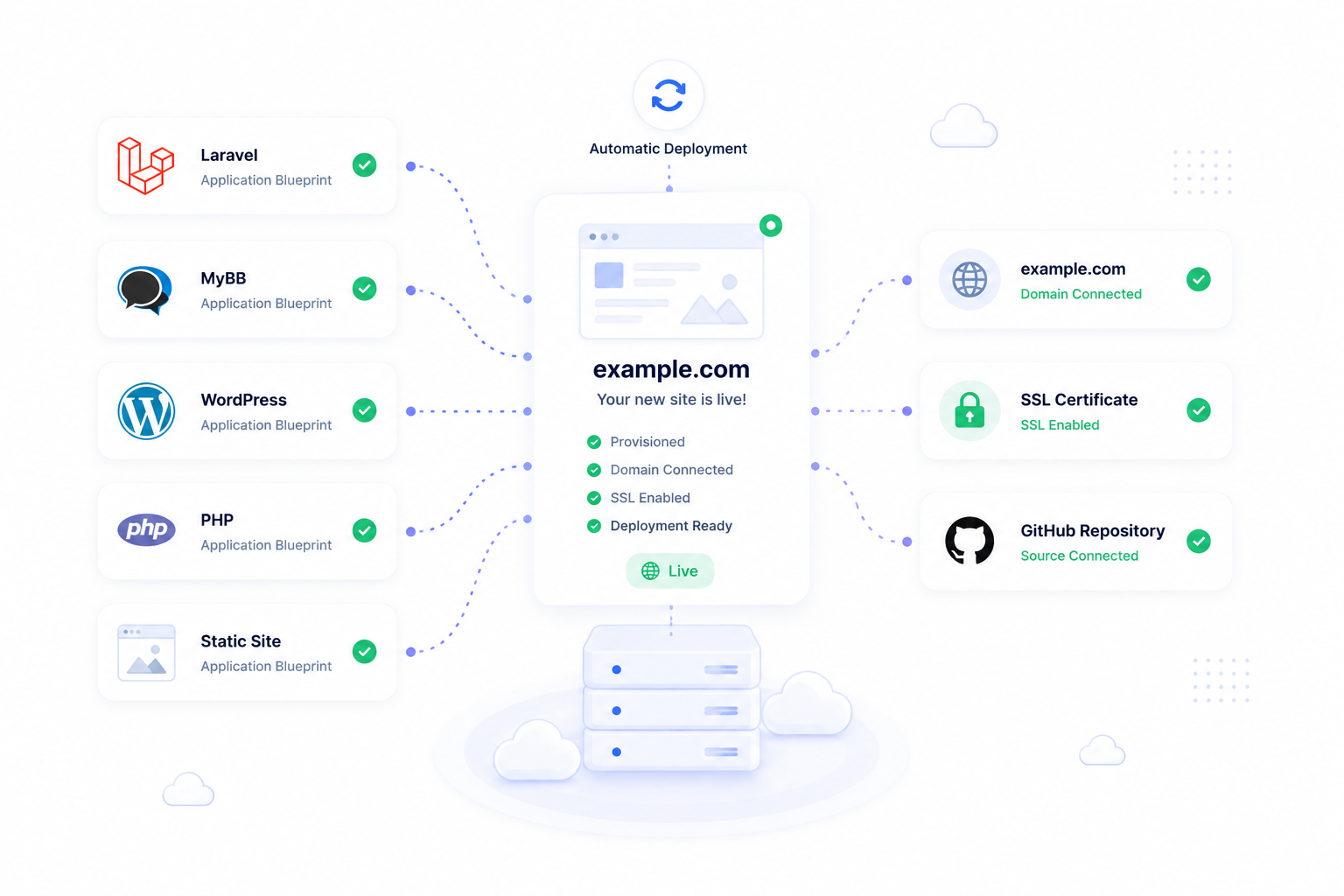
The Laravel deployment flow in ForgedBase is not tied to one provider. The same core sequence works across supported cloud providers such as DigitalOcean, Hetzner, Vultr, Akamai, and AWS: connect the provider, sync available resources, provision a server, create the site, attach the repository, configure the domain, issue SSL, and keep background work visible after launch.
Provider choice still matters, but the operating workflow should stay consistent. That is useful for agencies because the team can launch client sites on different providers without relearning the deployment process each time.
Prerequisites
- A supported provider account connected to ForgedBase.
- A Laravel repository in GitHub or GitLab.
- A domain or subdomain you control.
- Required environment variables, queue settings, and deployment commands.
- A decision about database needs, backup frequency, and who can operate the site after launch.
Step-by-step workflow
- Connect the provider account in ForgedBase.
- Sync provider regions, sizes, images, projects, and SSH keys.
- Choose the provider region and server size that match the project.
- Create an application server for the Laravel workload.
- Wait for provisioning to finish before attaching the production site.
- Create the Laravel site and attach the target server.
- Connect the source-control repository and confirm the deployment branch.
- Add build and deployment commands that match the project.
- Add the domain while DNS is still under your control.
- Point DNS to the server and wait for readiness checks.
- Issue SSL once the domain resolves correctly.
- Run the first deployment and review the deployment output.
- Configure queues, scheduled jobs, backups, and operational notifications.
Where ForgedBase helps
ForgedBase keeps the provider resource, Laravel site, repository, domains, SSL certificates, command runs, background work, backups, and activity history tied together. The value is consistency: a DigitalOcean launch and a Hetzner launch should feel like the same operational workflow once the provider-specific server options are selected.
That matters most when the site changes later. A team member can inspect the workspace and see which provider owns the server, which repository deploys the code, whether HTTPS is active, which commands ran, and whether backup coverage exists.
Common issues to check
- Provider metadata is stale. Sync the provider before choosing server options.
- The selected server size is too small for queues, builds, or database load.
- DNS still points to an old server when SSL is requested.
- Deployment commands assume tools or environment values that are not available.
- Queue workers and scheduled jobs are forgotten until the first background task fails.
- Backups are configured after launch instead of before client traffic arrives.
Related ForgedBase docs
- Deployments
- Domains and SSL
- Commands, schedulers, and processes
- API reference
- Provider selection guide
- Domain and SSL guide
Launch checklist
- Provider connected and synced.
- Region and size selected.
- Server provisioning complete.
- Repository connected.
- Deployment command reviewed.
- Domain DNS verified.
- SSL active.
- Queues and scheduler planned.
- Backups configured.
- Team permissions reviewed.