Domains and SSL
How to manage domains and SSL for client sites
Keep domain checks, certificate issuing, HTTPS protection, and renewal status understandable across client projects.
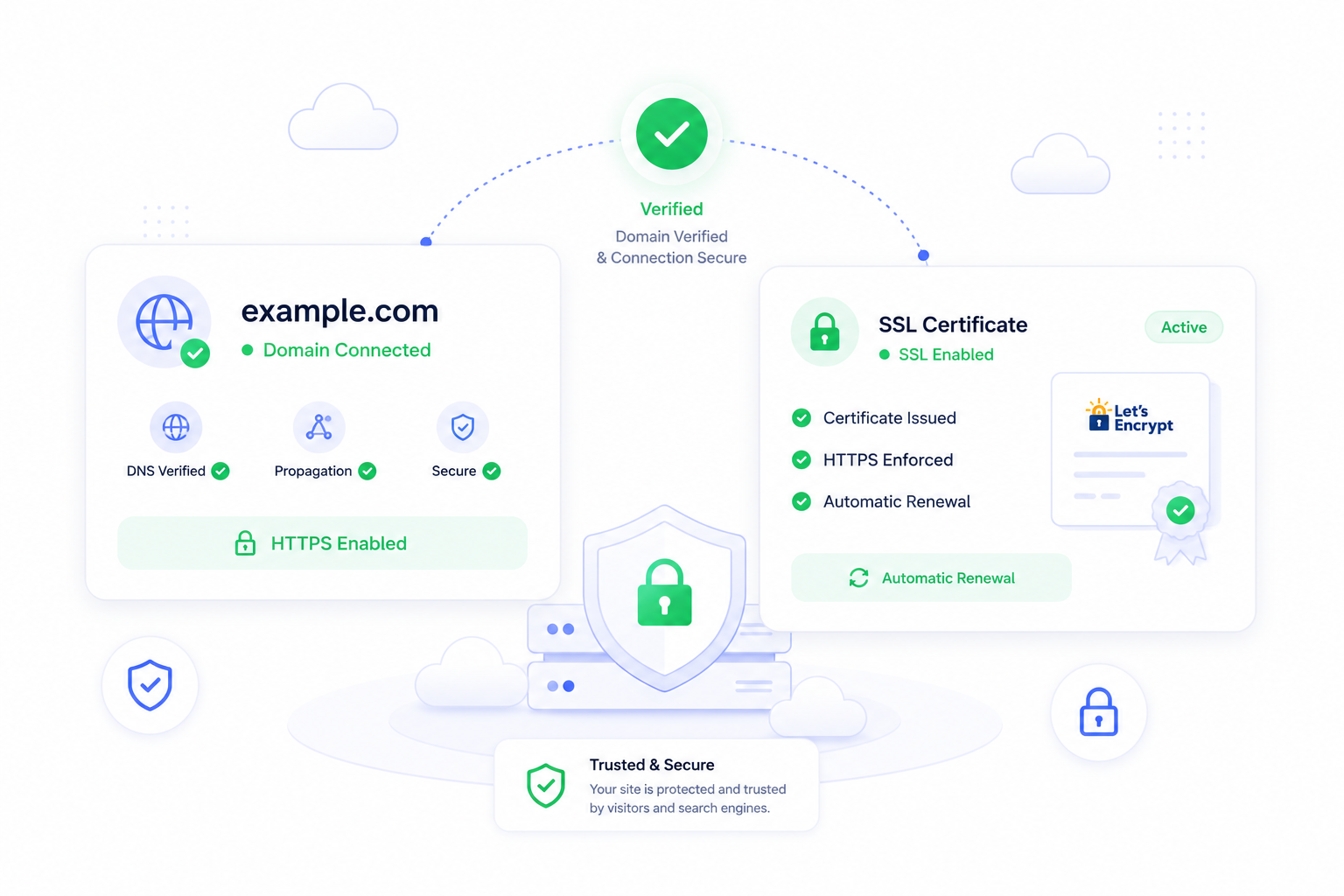
Why domains and SSL need a workflow
Domains and SSL are easy to underestimate because the happy path looks simple: point DNS, issue a certificate, force HTTPS. Client work is rarely that tidy. There may be old records, staging domains, wildcard needs, DNS propagation delays, certificate retries, and people waiting for a clear answer about whether the site is safe to launch.
ForgedBase helps by keeping domain behavior, DNS readiness, certificate state, HTTPS protection, and related site activity beside the site they protect.
Prerequisites
- Access to the authoritative DNS provider.
- A known production domain or subdomain.
- A decision about apex,
www, aliases, and wildcard coverage. - A launch window for DNS changes if traffic is already live.
- A rollback plan if the site is replacing existing infrastructure.
Step-by-step workflow
- Add the domain to the ForgedBase site.
- Decide whether the domain should be primary, alias, redirecting, or wildcard-capable.
- Review the DNS target shown for the site.
- Update DNS at the provider.
- Wait for DNS readiness before issuing the certificate.
- Request SSL once the domain resolves correctly.
- Confirm the certificate is active.
- Enable HTTPS behavior only after the certificate is valid.
- Repeat the check for aliases and
wwwvariants. - Record the client-facing launch state in the workspace activity history.
Where ForgedBase helps
The value is not just certificate issuing. The value is shared visibility. A team member can inspect the site and understand whether DNS is pending, HTTPS is protected, the certificate is active, or a wildcard requirement still needs another record.
That reduces the common agency problem where the person who changed DNS is the only person who knows what happened.
Common issues to check
- The domain is configured in ForgedBase, but DNS still points to the old server.
- The certificate request starts before DNS is ready.
- The apex domain works but
wwwdoes not. - A wildcard certificate is needed, but only the root domain is covered.
- HTTPS redirects are enabled before the certificate is active.
- A client has multiple DNS providers and the wrong zone was edited.
Related ForgedBase docs
- Domains and SSL
- Activity, realtime, and troubleshooting
- Laravel cloud server guide
- WordPress on DigitalOcean guide
Launch checklist
- Domain added.
- DNS target copied correctly.
- Apex and
wwwdecisions documented. - DNS readiness confirmed.
- SSL active.
- HTTPS behavior enabled.
- Wildcard needs reviewed.
- Team can see the current state.