Deployments
How to connect source control for site deployments
A practical guide to connecting repositories, reviewing deployment scripts, and keeping release history visible for client sites.
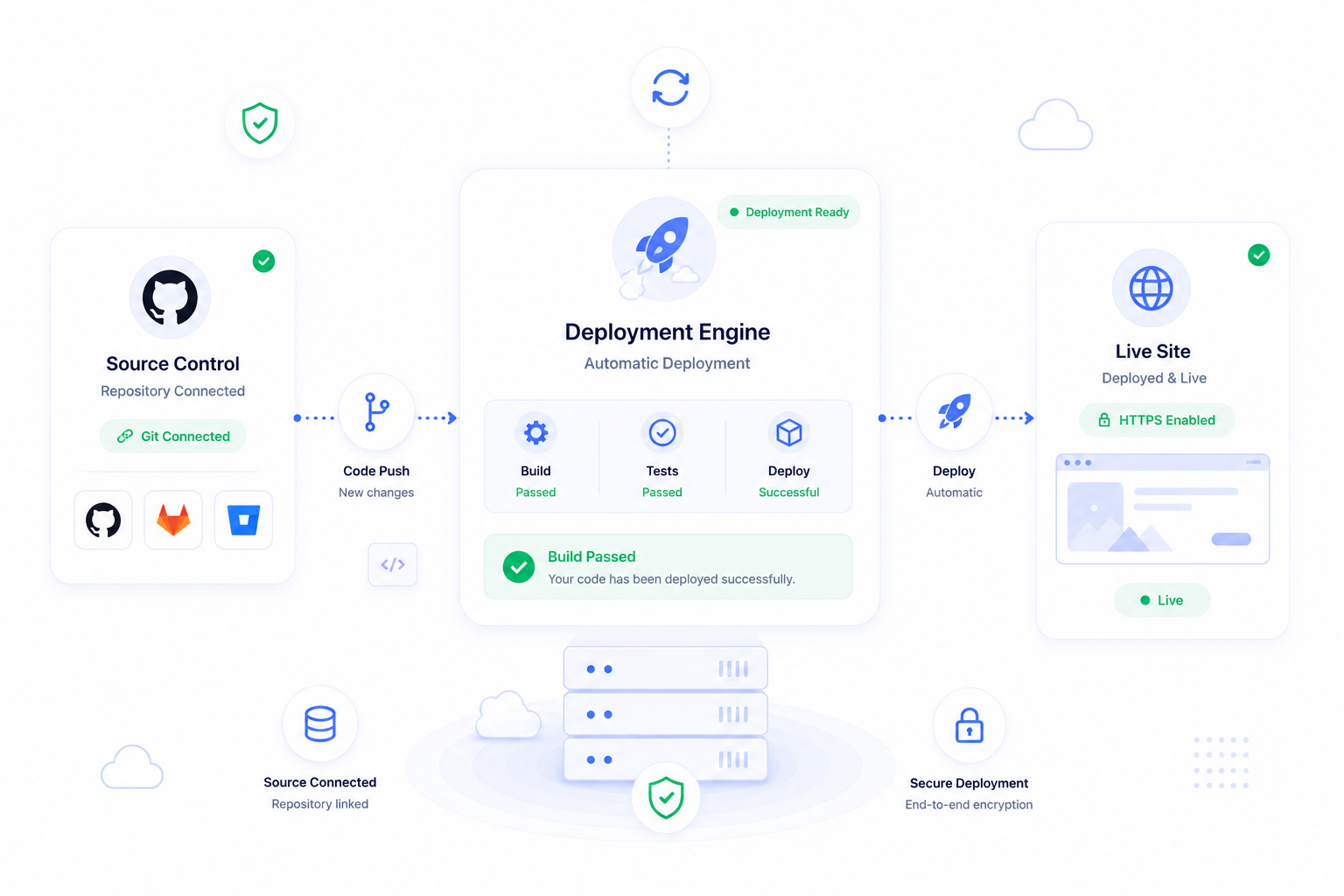
Why source control belongs in the deployment workflow
Git deployments give agency teams a cleaner record of what changed and when. Instead of copying files manually, the site can deploy from a known repository, branch, and command sequence. That makes launches easier to repeat and easier to debug when something fails.
ForgedBase connects source control to the site, not just the server, so repository state, deployment history, domain readiness, and site operations stay together.
Prerequisites
- A GitHub or GitLab account connected to ForgedBase.
- A repository containing the site or application.
- A branch strategy for production releases.
- Deployment commands for install, build, cache, migrations, or activation steps.
- A rollback or recovery expectation if a release fails.
Step-by-step workflow
- Connect the source-control provider.
- Sync repositories in ForgedBase.
- Create or open the site that should receive deployments.
- Attach the repository and production branch.
- Review the default deployment command.
- Add project-specific build, cache, migration, or restart commands.
- Run the first deployment outside peak traffic.
- Review deployment output and fix failed steps before repeating.
- Keep deployment history attached to the site.
- Revisit the deployment script when project structure changes.
Where ForgedBase helps
ForgedBase keeps source-control connection, repository selection, deployment command, domain state, SSL state, and deployment history in one place. That is especially helpful for teams where one person writes code, another manages DNS, and another handles support after launch.
The deployment surface becomes part of the site record instead of a private note or one-off script.
Common issues to check
- The wrong GitHub or GitLab account is connected in the browser.
- The repository sync is stale.
- The production branch is not the branch the team expects.
- Deployment commands assume local-only paths or missing tools.
- Migrations run without a backup plan.
- Failed deployments are retried without reading the output.
Related ForgedBase docs
- Deployments
- SSH, SFTP, and keys
- Laravel deployment guide
- Laravel queues and scheduler guide
- SSH key management guide
Deployment checklist
- Source provider connected.
- Repository synced.
- Production branch selected.
- Deployment command reviewed.
- Environment values present.
- Backup plan understood.
- First deployment output checked.
- Release ownership documented.