Laravel
How to run Laravel queues and scheduled jobs on a server
A production-readiness checklist for Laravel background work after the site is deployed.
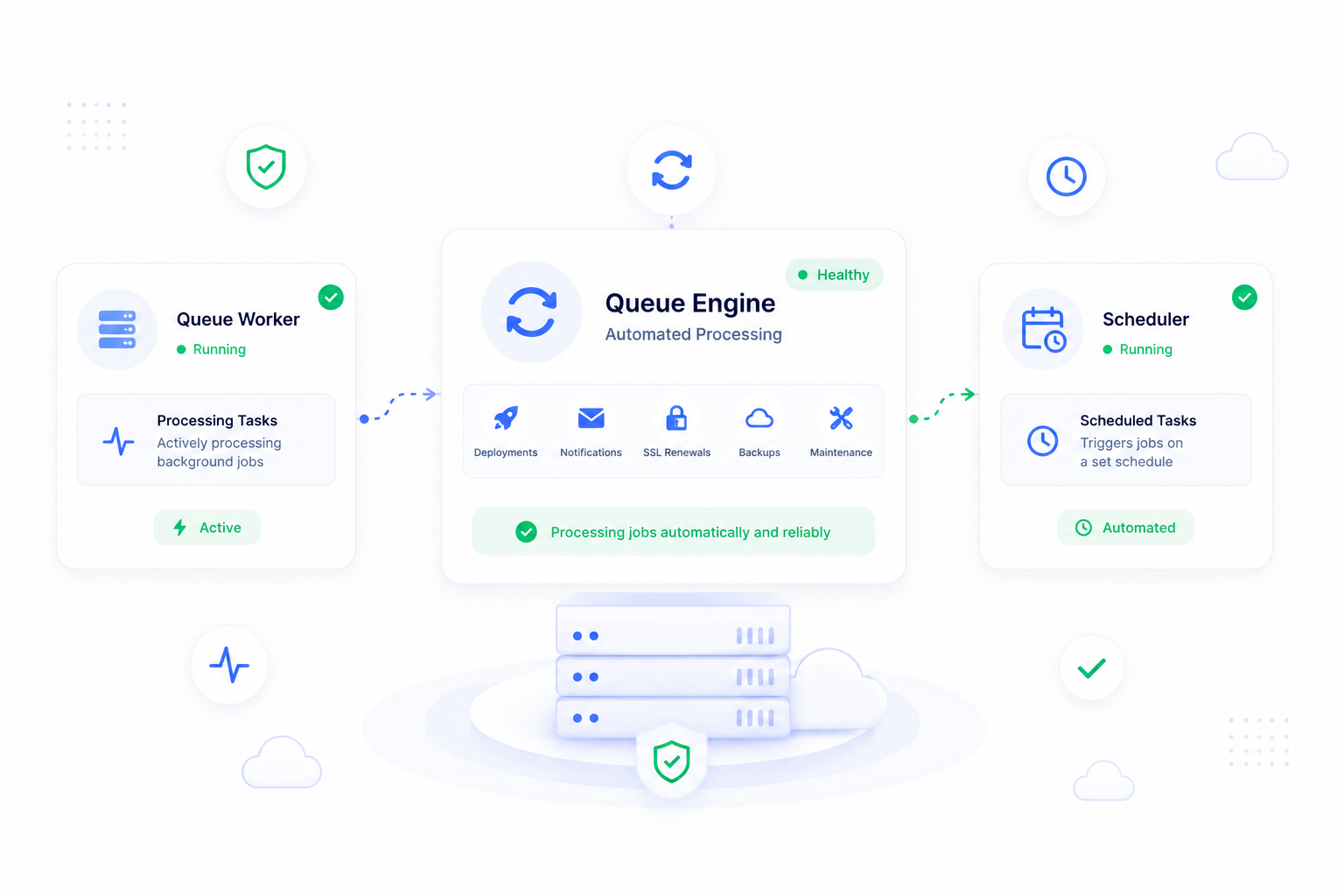
Why background work needs launch planning
A Laravel site can look healthy in the browser while background work is broken. Queues may process mail, notifications, imports, webhooks, billing events, or long-running tasks. Scheduled jobs may prune data, refresh integrations, create reports, or run maintenance commands. If those pieces are missed, the production launch is incomplete.
ForgedBase helps keep commands, scheduled work, and operational state visible beside the site and server that depend on them.
Prerequisites
- A deployed Laravel site.
- A known queue connection and worker command.
- A list of scheduled commands the application expects.
- Environment variables for mail, cache, database, and integrations.
- A plan for monitoring failures and restarting workers.
Step-by-step workflow
- Confirm the application deploys successfully.
- Review
.envvalues that queues and scheduled jobs depend on. - Identify the queue worker command.
- Identify the scheduler command.
- Run commands manually before relying on background execution.
- Add the required process or scheduled job in the site workflow.
- Check logs after the first real background task.
- Configure notifications for operational failures.
- Include queues and scheduler checks in release reviews.
- Revisit the setup when the application adds new async work.
Where ForgedBase helps
ForgedBase gives the team a place to operate background work without treating it as an invisible server detail. Commands, process checks, deployment state, and activity history are part of the same workspace, which makes support easier after the original developer has moved on.
That is useful for agency projects where the person handling a client incident may not be the person who wrote the queue job.
Common issues to check
- Queue workers are never started after deployment.
- Scheduler commands are assumed but not configured.
- Failed jobs are caused by missing production environment values.
- A deployment changes code but workers are still running old assumptions.
- Logs are checked only after a client reports a missing email or import.
- Backups are not considered before scheduled destructive maintenance.
Related ForgedBase docs
- Commands, schedulers, and processes
- Deployments
- Laravel deployment guide
- Source-control deployment guide
- Backup planning guide
Background work checklist
- Queue connection known.
- Worker command reviewed.
- Scheduler command reviewed.
- Environment values confirmed.
- First run checked.
- Failure visibility planned.
- Release process includes worker review.
- Team knows who owns background jobs.