Providers
How to choose a cloud provider for agency sites
A provider-selection checklist for agencies launching Laravel, WordPress, PHP, and client sites through ForgedBase.
Why provider choice still matters
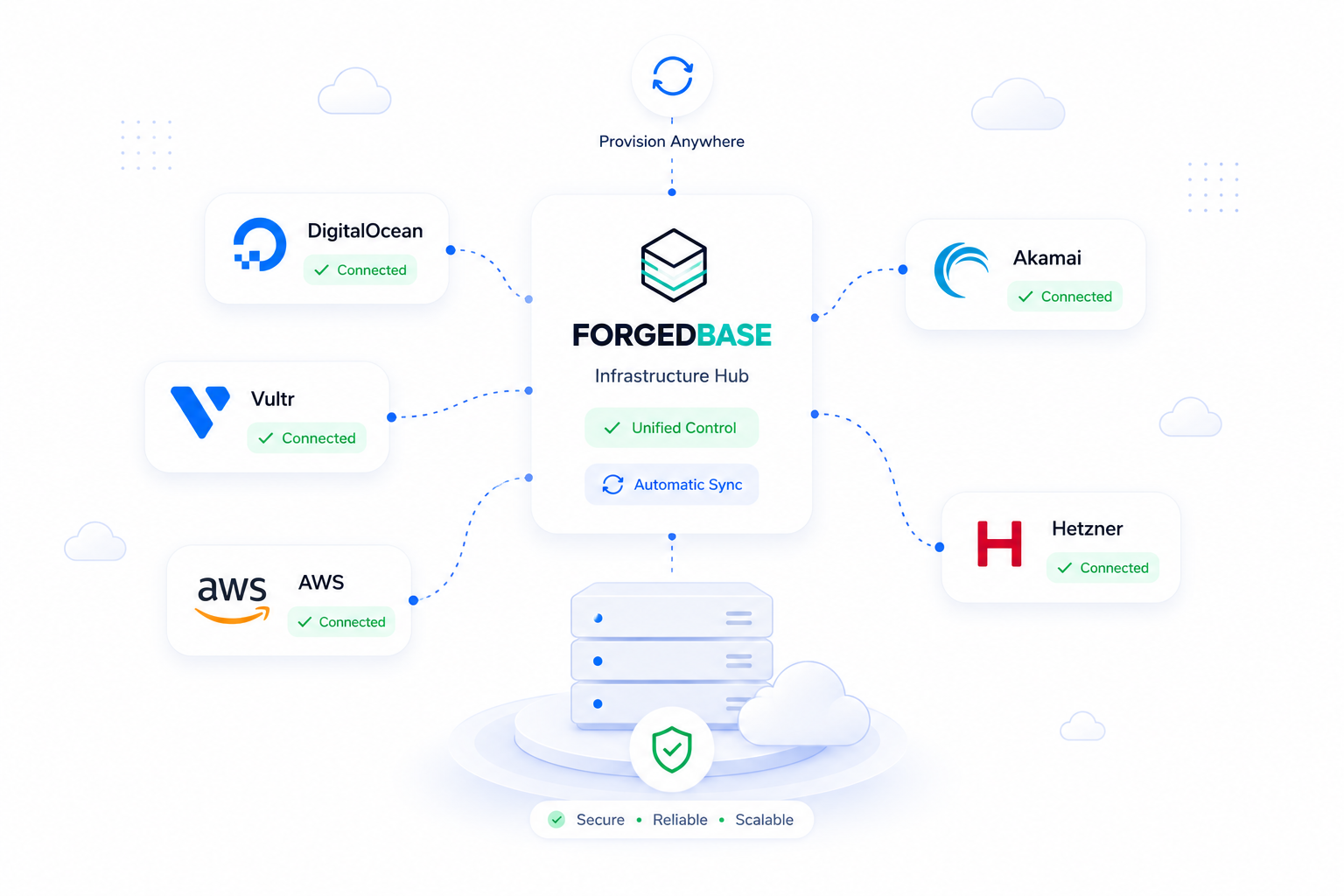
ForgedBase gives agencies a consistent operating workflow across supported providers, but the provider decision still affects cost, region availability, quotas, server size options, network expectations, and client comfort. The goal is not to pick a universal winner. The goal is to choose a provider that fits the project and then keep the launch workflow consistent.
For many agency sites, DigitalOcean, Hetzner, Vultr, Akamai, and AWS can all be reasonable choices. The right answer depends on the client, region, budget, and operational risk.
Prerequisites
- A list of providers your workspace can connect.
- Expected traffic, storage, and database needs.
- Client geography and latency expectations.
- Budget and support expectations.
- Any compliance, ownership, or account constraints.
Step-by-step workflow
- Start with the client or project region.
- Check which providers offer suitable regions and server sizes.
- Confirm the account has quota and billing access.
- Decide whether the project needs a simple app server or a more complex setup.
- Review who owns the provider account and who can operate it.
- Connect the provider in ForgedBase.
- Sync provider metadata before creating resources.
- Launch the server through the same ForgedBase flow used for other providers.
- Attach sites, domains, SSL, deployments, and backups.
- Record the provider choice in the project handoff notes.
Where ForgedBase helps
ForgedBase separates provider choice from operating workflow. The team can connect multiple providers, sync their resources, and then use the same server, site, domain, deployment, backup, and activity surfaces after the provider-specific choices are made.
That makes mixed-provider agency work less chaotic. One client can run on DigitalOcean, another on Hetzner, and another on AWS while the internal launch checklist stays familiar.
Common issues to check
- The provider account belongs to one person instead of the workspace owner.
- A selected region is far from the client audience.
- The provider quota is too low for the planned server size.
- Cost is compared without backup, storage, and operational time.
- The team standardizes too aggressively and ignores project-specific risk.
- Provider metadata is not synced before resource creation.
Related ForgedBase docs
Provider checklist
- Region matches audience.
- Server size fits workload.
- Account ownership is clear.
- Provider quota is sufficient.
- Billing path is understood.
- Team access is reviewed.
- Backup destination is planned.
- Launch workflow is documented.