Backups
How to plan server backups and recovery for agency sites
A recovery-focused checklist for agencies managing production sites, databases, and client expectations.
Why recovery planning matters
Backups are easy to promise and difficult to trust without a workflow. Agencies need to know what is backed up, how often it runs, where the backup goes, who can restore it, and what happens if a client asks for yesterday's version during a stressful incident.
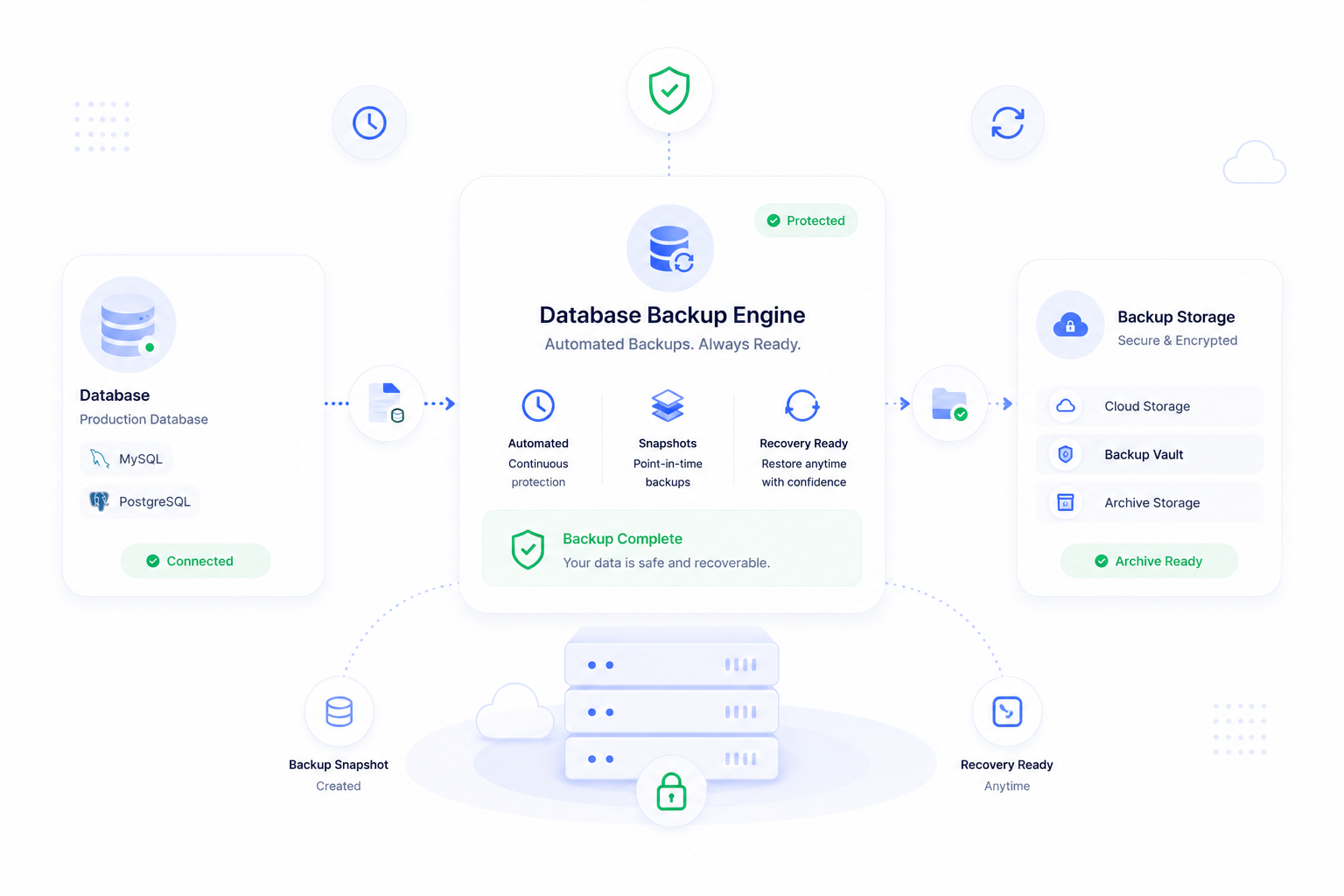
ForgedBase keeps backup schedules, database coverage, storage destinations, snapshots, and related activity close to the server and site records that depend on them.
Prerequisites
- A list of production sites and databases that need protection.
- The acceptable recovery point for each project.
- A destination for backup storage.
- Team permissions for who can create, download, or restore backups.
- A restore testing plan.
Step-by-step workflow
- Identify which servers and sites contain production data.
- Confirm the database engine and storage location.
- Choose a backup schedule that matches the rate of change.
- Send backups to a destination that is separate from the live server where possible.
- Keep recent backup history visible in the workspace.
- Test recovery before treating the process as complete.
- Document who is responsible for backup checks.
- Review schedules when a client moves from low-change to high-change content.
- Keep backup access limited to trusted operators.
- Include backups in launch and maintenance checklists.
Where ForgedBase helps
ForgedBase gives backups context. A backup is not just a file somewhere. It is attached to a server, database, site, storage destination, schedule, and activity trail. That context helps teams answer client questions quickly and reduces the chance that a project launches without recovery coverage.
The goal is not to collect backups forever. The goal is to know what exists, why it exists, and how to use it when recovery matters.
Common issues to check
- Backups run on the live server but are not copied to safer storage.
- The schedule is too slow for active ecommerce or membership content.
- No one has tested a restore.
- Access to backup files is broader than it needs to be.
- Old projects keep running backup schedules after they are retired.
- The team assumes files are covered when only the database is scheduled.
Related ForgedBase docs
- Databases and backups
- Activity, realtime, and troubleshooting
- Laravel cloud server guide
- WordPress on DigitalOcean guide
Recovery checklist
- Production resources identified.
- Backup schedule chosen.
- Storage destination verified.
- Latest backup visible.
- Restore test planned.
- Access limited.
- Client expectations documented.
- Retention reviewed.