Security
How to manage SSH keys for client infrastructure
Keep infrastructure access understandable when multiple people need safe access to servers and deployments.
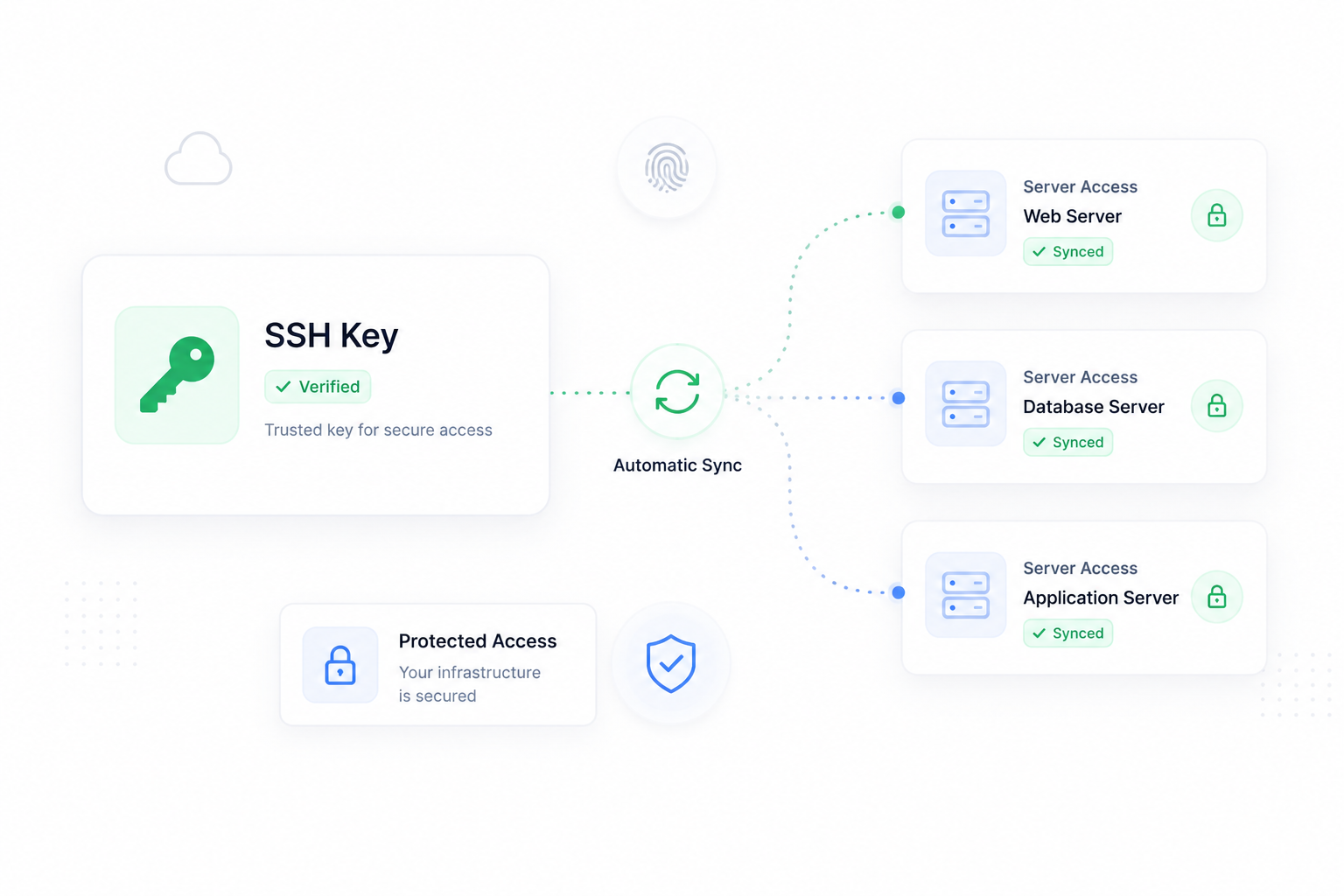
Why SSH key management matters
SSH keys are one of the quiet risks in agency infrastructure. They are easy to add during a launch and easy to forget after a project changes hands. Shared keys, old contractor access, and unclear server access can turn simple maintenance into a security problem.
ForgedBase helps teams keep SSH access attached to users, providers, servers, and site workflows instead of scattering keys across private notes.
Prerequisites
- A list of people who need infrastructure access.
- Individual SSH public keys for each operator.
- Provider connections that support key sync.
- A decision about who can manage keys in the workspace.
- A review process for old client or contractor access.
Step-by-step workflow
- Collect individual SSH public keys instead of sharing one key.
- Add trusted keys to the workspace.
- Sync keys to providers or servers where appropriate.
- Confirm which servers each key should reach.
- Use deployment-specific access only where needed.
- Remove keys that no longer belong to active team members.
- Review access before and after production launches.
- Document who owns emergency access.
- Rotate or remove keys after contractor work ends.
- Keep key changes visible in activity history.
Where ForgedBase helps
ForgedBase gives SSH keys context. A key is not just a text blob. It belongs to a person, access workflow, provider sync, server, or deployment need. That context makes access reviews more practical.
For agencies, this is especially useful when multiple client projects are active and different people need different levels of access.
Common issues to check
- Multiple people use the same SSH key.
- A contractor key remains after the project ends.
- Provider keys are updated but server access is not reviewed.
- Deployment access is confused with general shell access.
- Emergency access exists but nobody knows who owns it.
- Key changes are not documented during handoff.
Related ForgedBase docs
- SSH, SFTP, and keys
- Teams, permissions, and billing
- Provider selection guide
- Source-control deployment guide
- PHP deployment guide
Access checklist
- Individual keys used.
- Workspace permissions reviewed.
- Provider sync checked.
- Server access confirmed.
- Contractor access expiry planned.
- Old keys removed.
- Emergency owner documented.
- Changes visible to the team.